
- Navigate to http://adobe.com and click Login
- Enter your seacormarine.com or ckorvessels.com email address and select continue
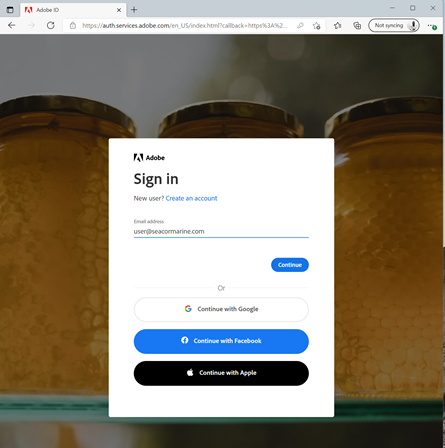
- In the next screen, input your password and select continue.
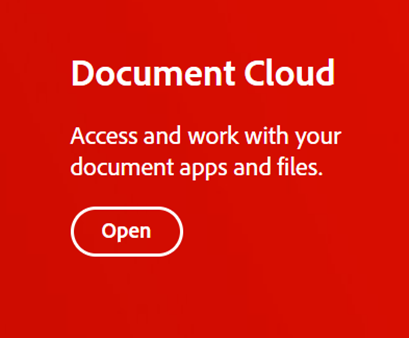
- Click Open under Document Cloud
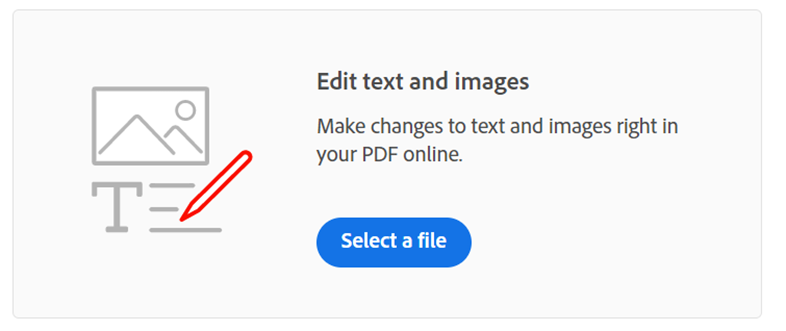
- To open a PDF within the browser, select Edit text and images
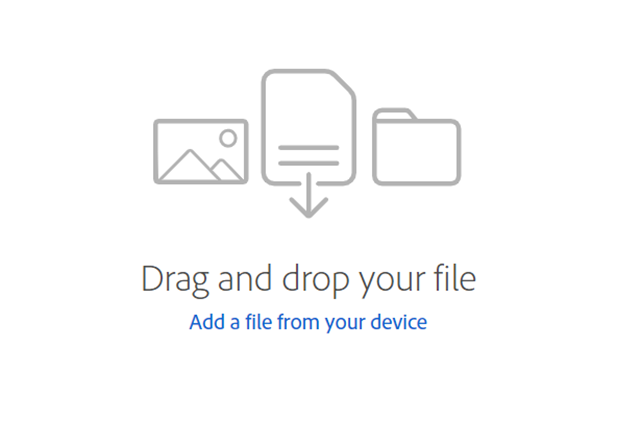
- Either drag and drop your document into the open space, or select Add a file from your device, navigate to the file and select open.
Comments
0 comments
Please sign in to leave a comment.