
In cases of natural disaster, or disaster recovery, Seanique can be fully accessed remotely via the Virtual Desktop application.
Step One: Download the new Windows Virtual Desktop, here.
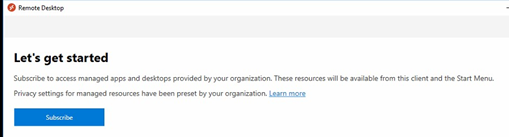
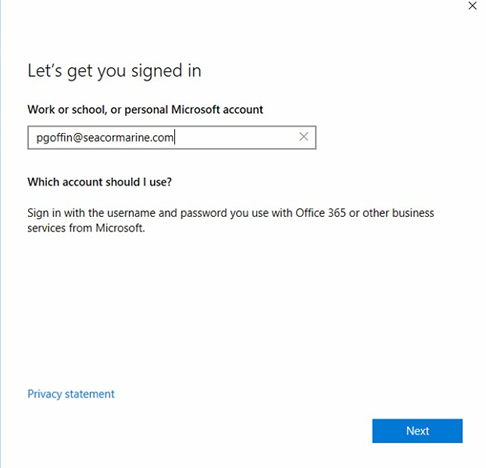
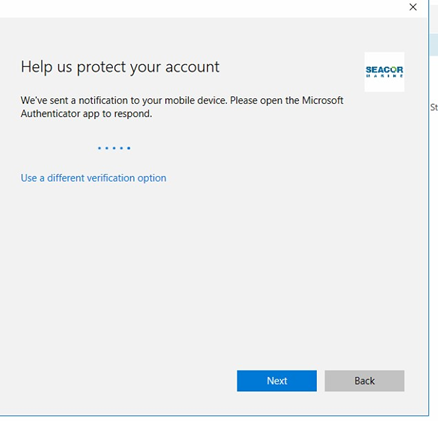
Step Two: Open the download and start the setup process. Click Subscribe, enter your Email Address, and Authenticate.
Step Two a: Subscribe
Step Two b:Enter your SEACOR Marine email address.
Step Two c:Authenticate via your selected MFA authentication method.
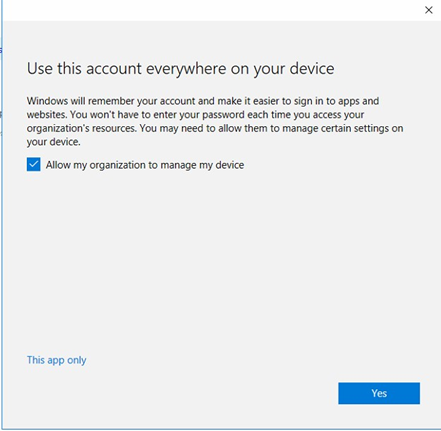
Step Two d:Leave the box ticked, and hit Yes.
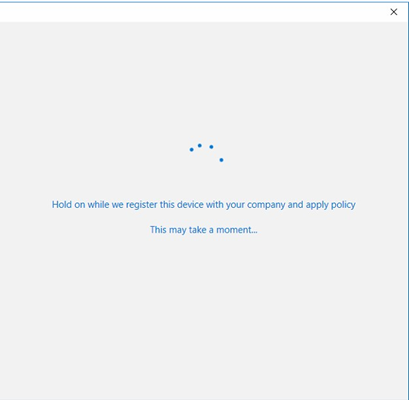
This part may take "a moment" to complete...
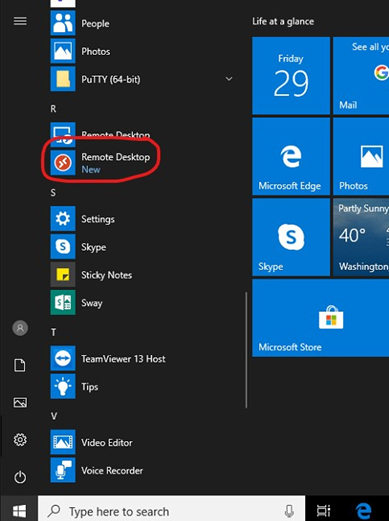
Step Three: Click Remote Desktop from the Start Menu if it doesn't automatically start.
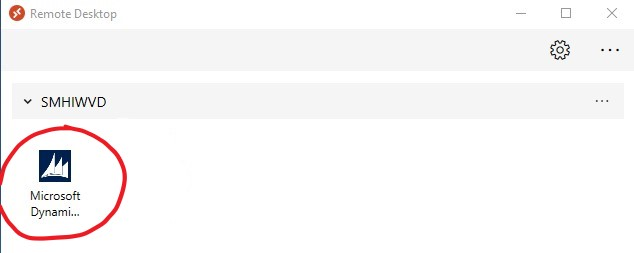
Step Four: Here, you will find the Seanique application. Double click it. The first time you open Seanique it could take a little while as it creates your profile. Subsequent connections should be much quicker.
As long as you have an internet connection you will be able to connect to Seanique from anywhere.
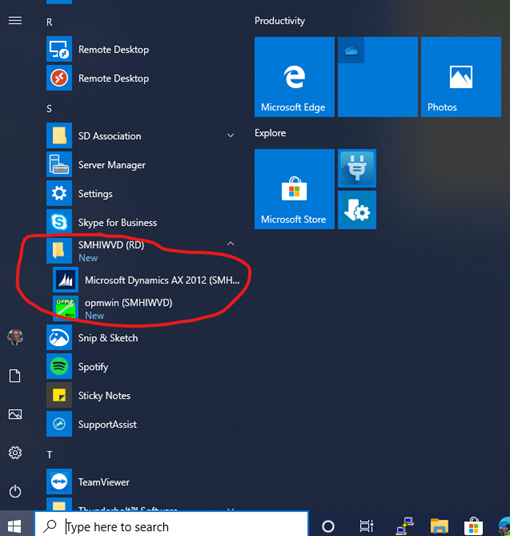
Please note: You can now find Seanique directly in your Start Menu
Comments
0 comments
Please sign in to leave a comment.