
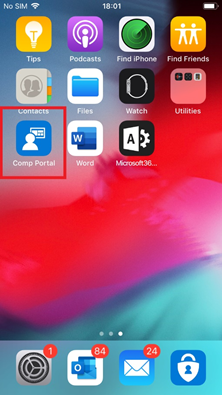
Install “Company Portal” from the App Store
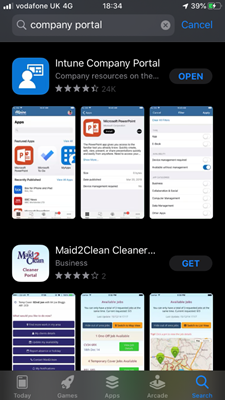
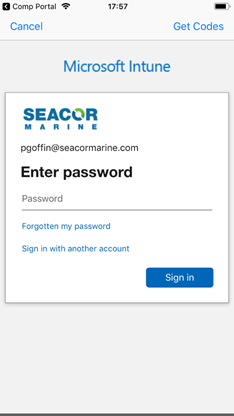
Once installed open Company Portal app and sign in, at this point you may be asked for Multi-Factor Authentication
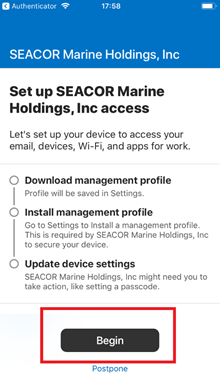
Click Begin to get started
You will be able to see what Seacor Marine can and can’t see on your mobile
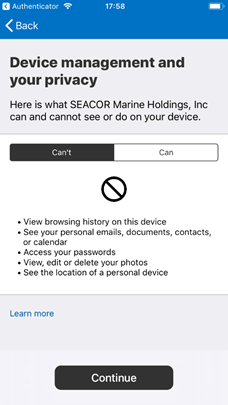
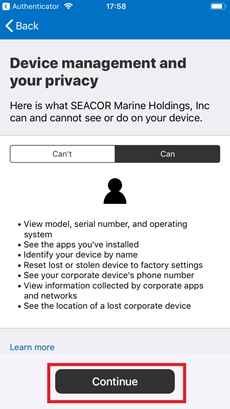
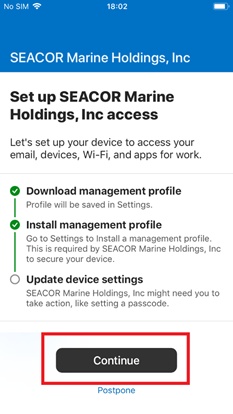
Click Continue
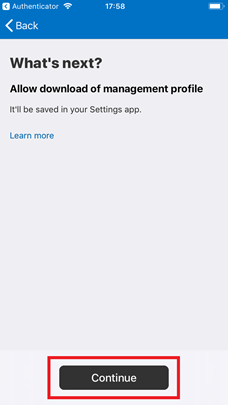
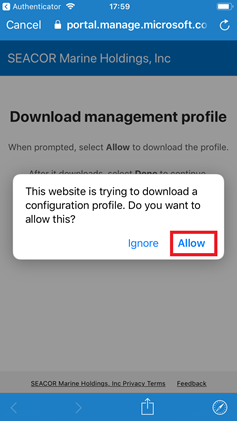
Click Allow to download the configuration profile
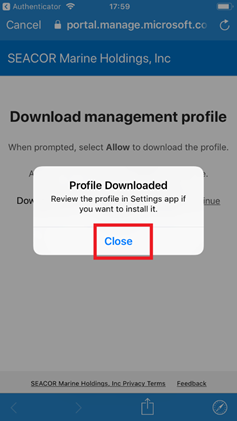
Once downloaded click Close
Now click home button to see the home screen and go to Settings
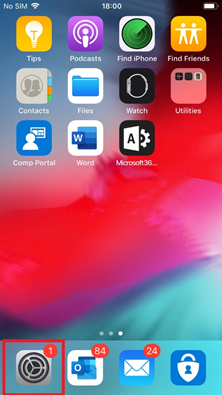
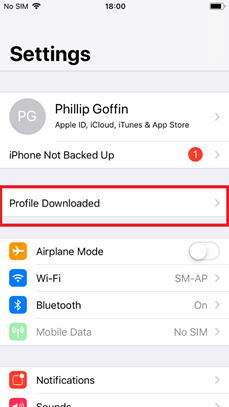
Under Settings click Download Profile
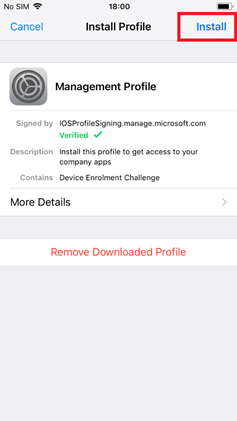
Click Install
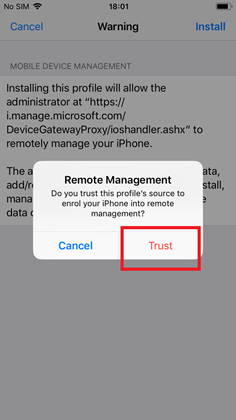
On Remote Management click Trust
Come out of the settings by clicking the home button and go back to Company Portal
Click Continue, this step may take some time to complete
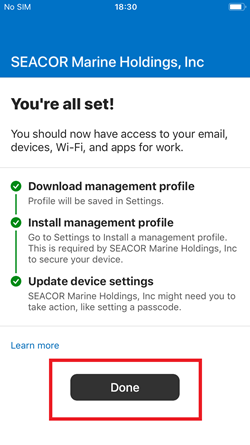
You're all set! Click Done. Your phone is now enrolled in Seacor MDM.
Comments
1 comment
Easy to follow instructions
Please sign in to leave a comment.